
Google SSO and expanded permissions
This update adds Google SSO support and introduces a redesigned permissions page with more granular access controls.
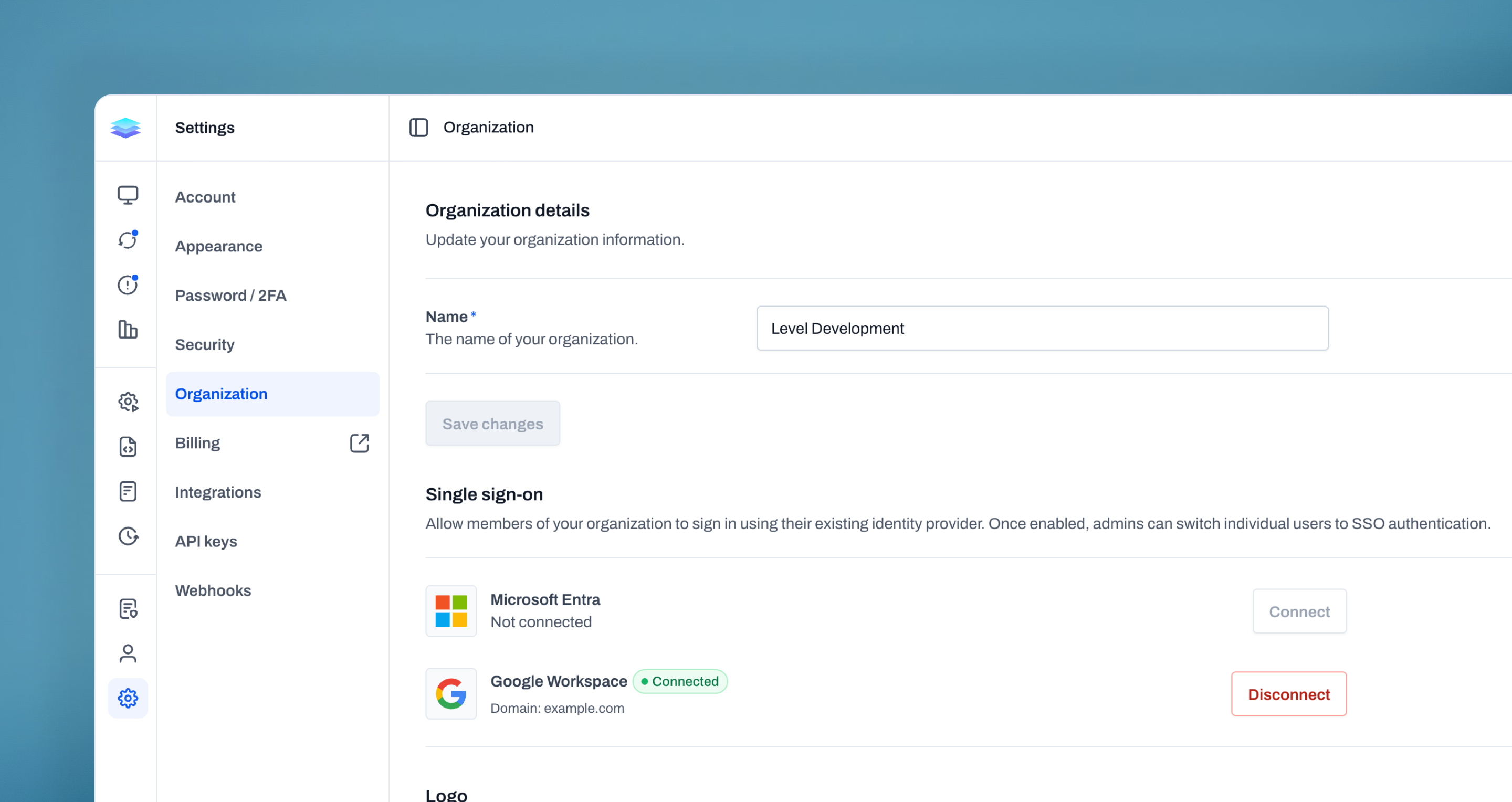
Google Single Sign-On (SSO)
We’ve expanded our single sign-on support to include Google Workspace, giving you more flexibility in how your team accesses Level. In addition to Microsoft Entra, users can now sign in using their Google accounts, making authentication faster and more familiar. SSO can be enabled at any time, and existing users can be transitioned seamlessly without creating new accounts. Admins remain in full control, with the ability to choose which users authenticate through SSO and switch between methods as needed. With support for both Microsoft and Google, SSO now fits more seamlessly into your existing environment, helping simplify access while maintaining strong security.
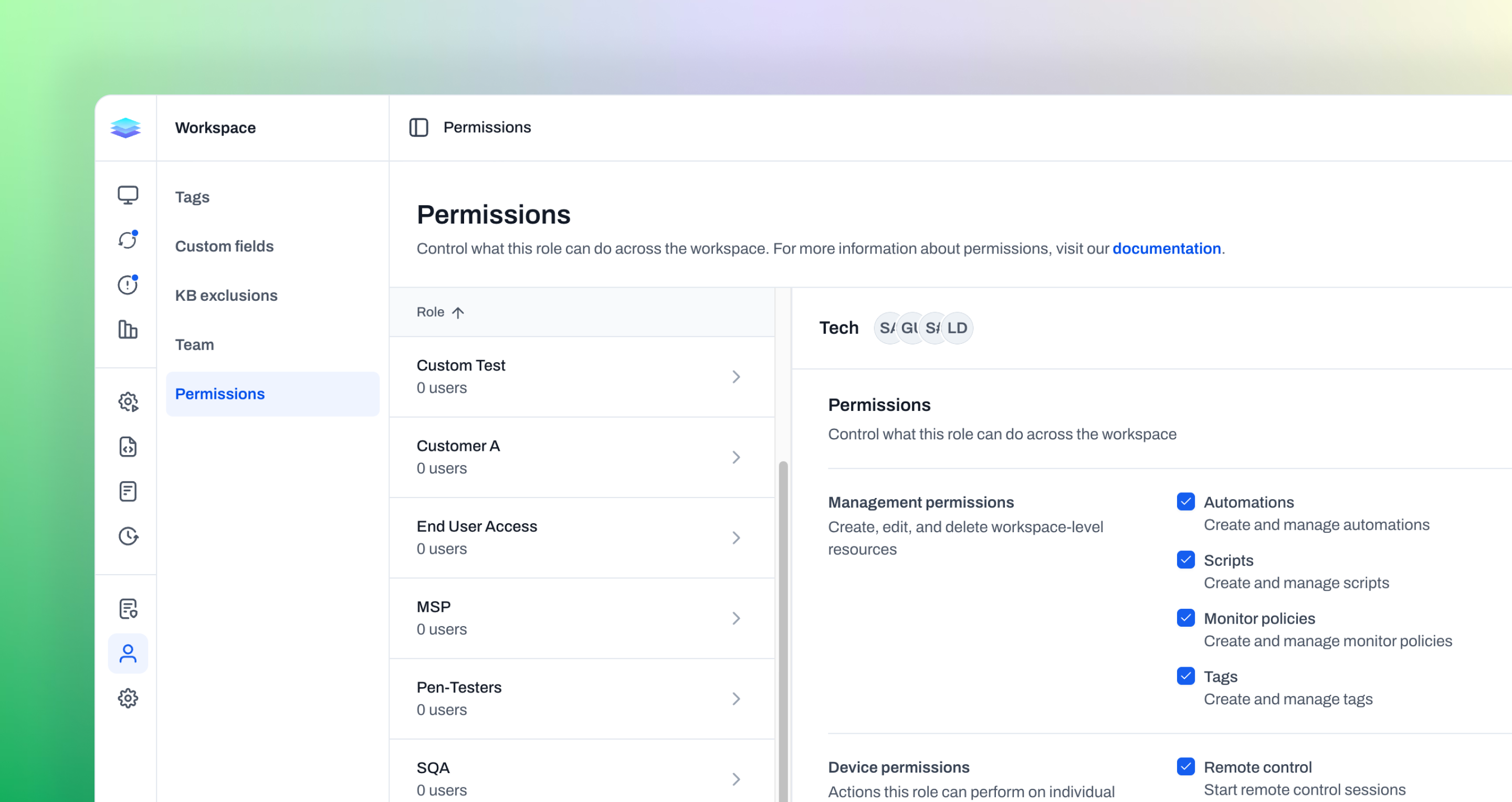
Expanded permissions
We’ve updated the permissions page with a cleaner, more intuitive design, making it easier to understand and manage what each role can do across your workspace. Along with the visual improvements, we’ve expanded permission controls to give you more granular access over both management and device-level actions. This includes clearer organization of capabilities like automations, scripts, monitor policies, and device interactions such as remote control and background management. With these updates, it’s easier to define roles, limit access where needed, and ensure the right people have the right level of control across your environment.
Improvements
- WinGet actions now handle common installer conflicts more intelligently, including apps that are already running and packages that need a safe reinstall because their install technology changed.
- Tables now support resizing the primary column, making it easier to view long names or details without losing context.
Bug fixes
- Automation run progress now updates reliably for script runs and automations that are not assigned to a group.
- Tag and script pages now show the correct empty state when there are no linked automations instead of getting stuck loading.
- Fixed an issue where the device file explorer could crash in some cases when navigating between folders.
- Remote control file uploads now work more reliably when uploading several files at once.
- Windows devices now report the current or last logged-in user more accurately, especially during Autopilot setup.
- BitLocker actions now handle TPM protector setup more reliably and ignore warning output that could previously interrupt the action.
- Remote control now starts more reliably on locked-down Windows systems that restrict broad Winlogon token access.
- CPU monitor alert payloads now show a clearer list of the processes responsible for high CPU usage by grouping related processes together.