
Activity and saved views
This update introduces activity for complete visibility into changes across your environment and saved views for quickly switching between customized device list layouts.
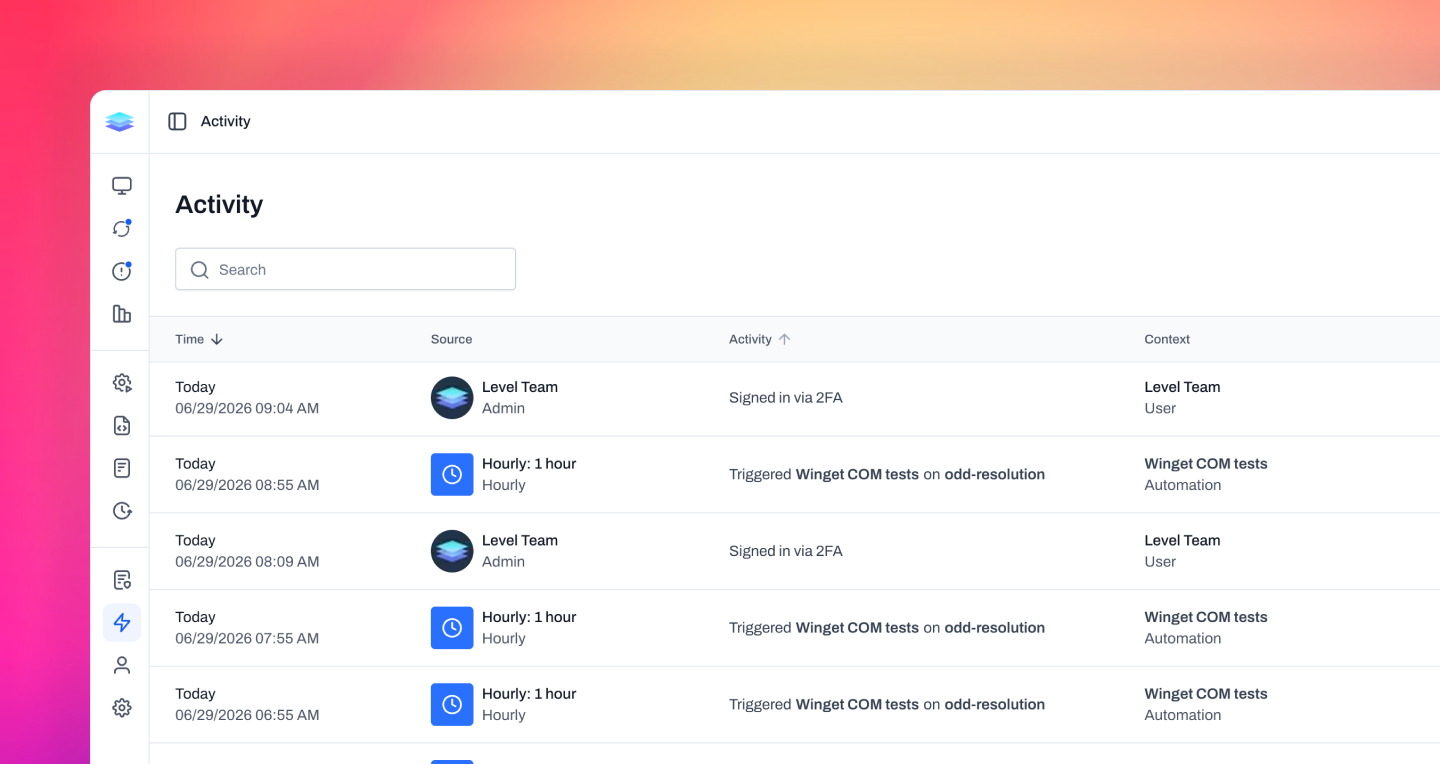
Activity
We're introducing activity, giving you complete visibility into the actions taking place throughout your Level environment. Every meaningful change is recorded, making it easy to understand what happened, when it happened, and who was responsible. Each automation, script, device, monitor policy, device group, workspace setting, and platform setting now includes its own activity history, providing a clear timeline directly where you're working. We've also added a global activity page where you can search, filter, and review activity from across your entire organization. Whether you're troubleshooting an issue, reviewing configuration changes, or preparing for a compliance audit, a history of activity gives you the visibility and accountability needed to confidently manage your environment.
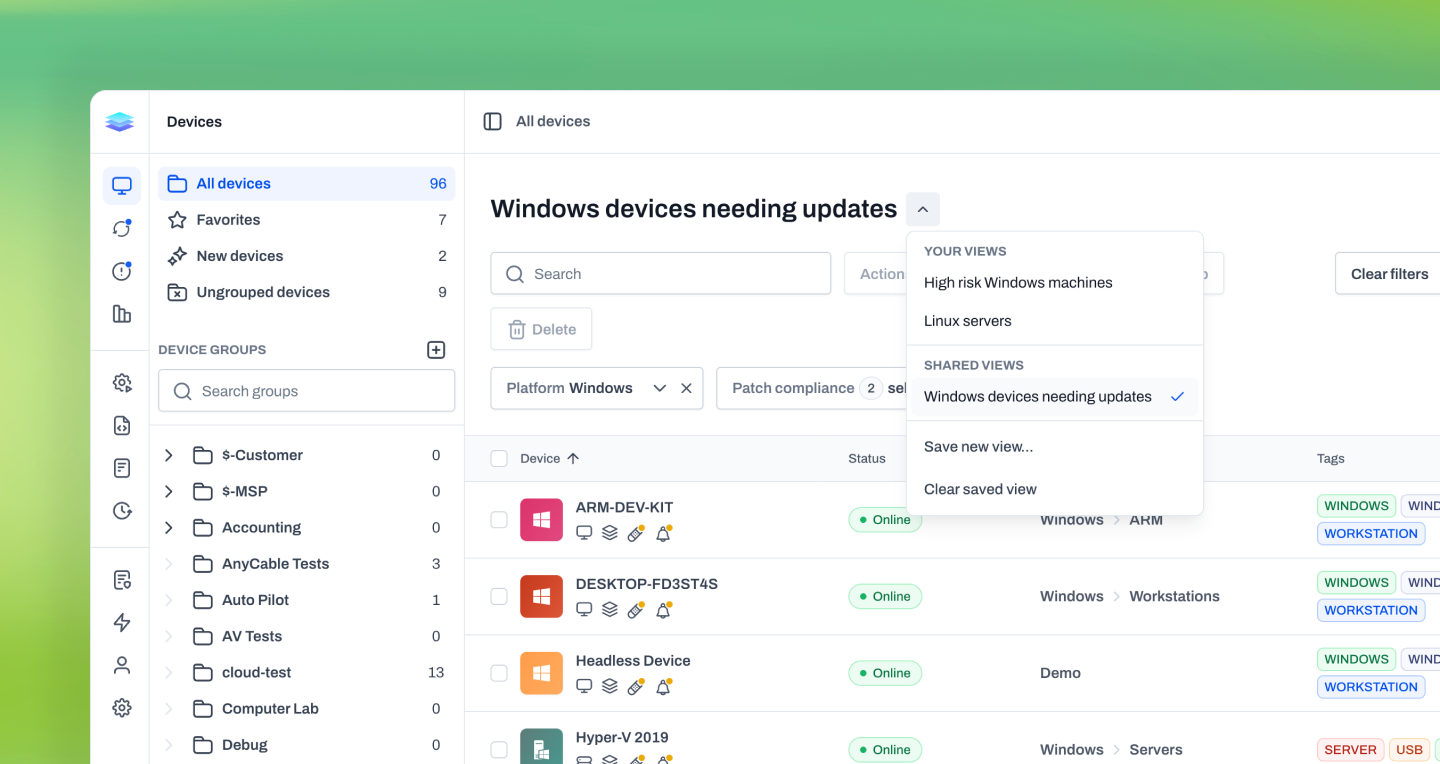
Saved views
We're introducing saved views, making it easy to save and instantly switch between customized device list layouts. Each view remembers your filters, visible columns, column order, column widths, and sort order, so you can quickly return to the information that's most important to you. Create as many personal views as you need for different workflows, or share views with your entire team to standardize how devices are organized and reviewed. When you make changes to a saved view, Level lets you update it, save it as a new view, or discard your changes, making it easy to experiment without losing your existing configuration. Whether you're managing workstations, servers, specific customers, or security-focused views, saved views help you spend less time configuring the device list and more time taking action.
Improvements
- Table filters now use a clearer Add filter flow with applied filter chips, making filters easier to add, review, and remove.
- WinGet package actions now build further on Level’s native Windows Package Manager integration. Package actions no longer check or install winget.exe before each run, long-running installs and updates have clearer timeout handling, update scans include custom sources, and repeated progress messages are reduced.
- Windows security scoring no longer counts disabled local administrator accounts as enabled administrators.
Bug fixes
- Run Automation step output now reflects the actual child-step result, including failed, canceled, skipped, and completed states.
- Run Automation actions now retry correctly when the child automation fails and is started again. Level now tracks the latest child run for the action, allowing a successful retry to complete the parent automation.
- macOS update actions now handle Safari, XProtect, and other non-OS updates correctly when filtering update actions, fixing cases where those updates could be skipped.
- Saved table settings are now more resilient when Level changes table layouts, reducing cases where old browser state can break or distort a table view.
- Fixed a Windows remote-session startup issue that could prevent Level from creating the user process on some devices.