
Command palette
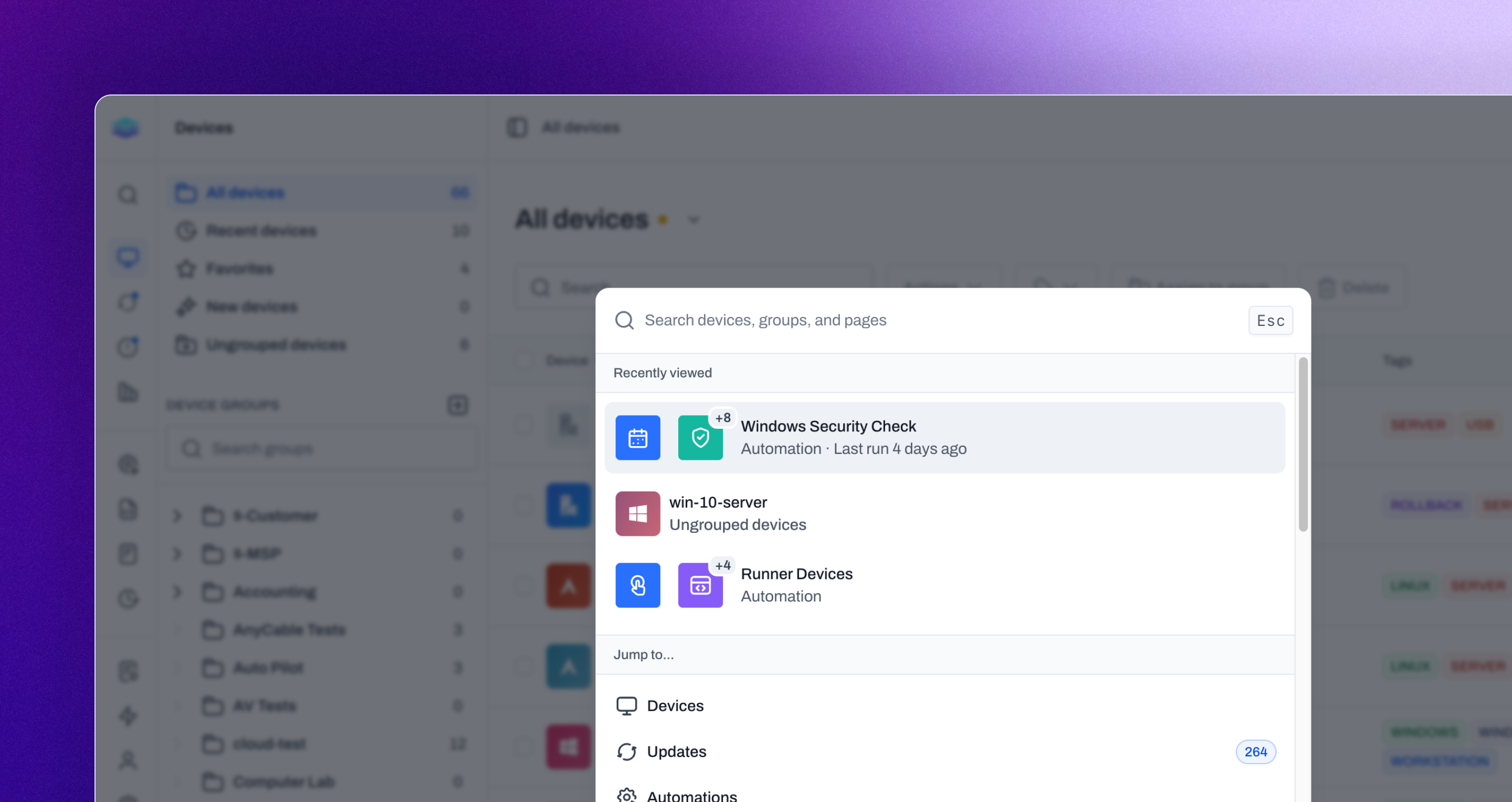
We’ve introduced a new Command Palette that makes it faster to find what you need and move around Level without navigating through the app one page at a time. From the Command Palette, you can search for devices, groups, and pages in one place, then jump directly to the result you’re looking for. You can also take certain actions on devices directly from the palette, giving you a quicker way to handle common tasks without first opening the device. By bringing search, navigation, and device actions together, the Command Palette helps you get where you’re going and get things done with fewer clicks. It’s a faster way to work in Level, especially as your environment and the app continue to grow.
Major feature
Command palette
Command palette
Improvements
- Automation lists now show recent run activity, making it easier to see which automations are being used, which ones have gone quiet, and when run volume changed.
- Users can now review their active browser sessions, see where they are signed in, and sign out individual sessions from Settings.
Bug fixes
- Remote control auto-scale now handles display dimensions more cleanly, reducing blurry sessions on some devices.
- macOS remote control now starts more reliably on headless Macs and Macs without an attached monitor.
- Service bulk actions now always respect the current filtered list.
- Windows Autopilot devices are less likely to register as duplicates by using the Entra joined device ID when available.
- Windows serial number detection is more reliable after osquery failures.
- APT cleanup now handles kernel packages more reliably when removing unused packages.
- Windows device inventory now cancels long-running WMI calls more reliably.
- Device update automation links now open the correct automation from a device’s Updates → Automations table.
- Group breadcrumbs now show a loading state instead of briefly showing stale group paths while navigating.
- In the automation list, the schedule-based automation triggers now show the correct frequency icon, including monthly schedules.